
How to Transfer a Mailbox to Another Account
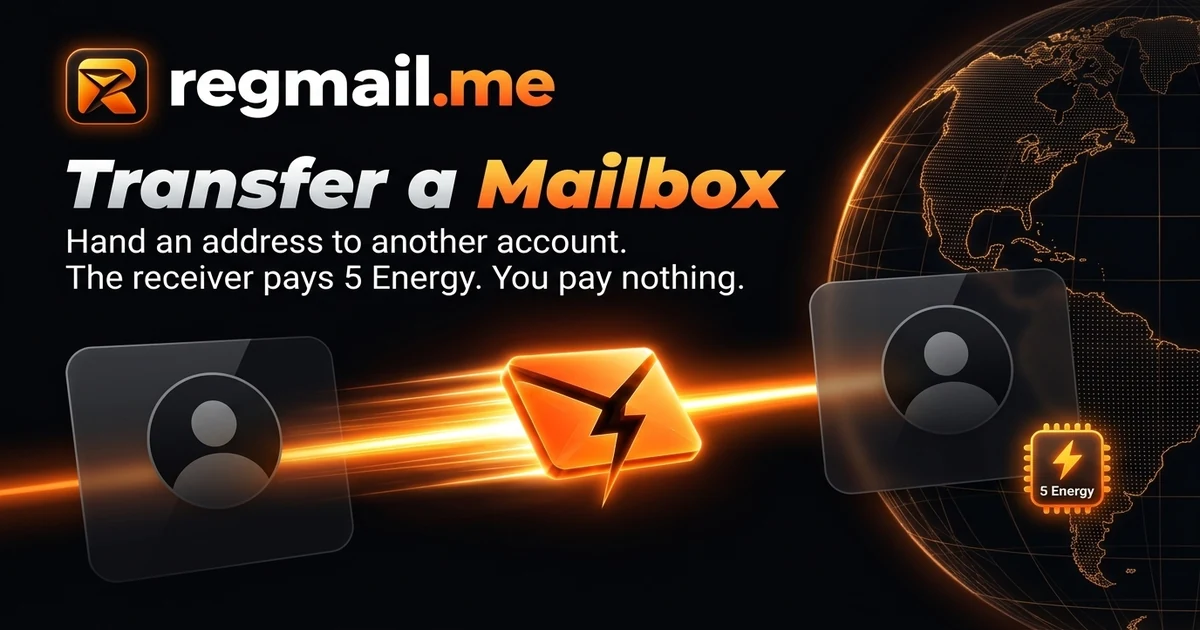
Hand a regmail.me address to another account in five steps. The receiver pays 5 Energy, you pay nothing, and earlier mail stays behind.
What does transferring a mailbox mean?
A transfer moves one regmail.me address, together with its place in your account, to a different regmail.me account. The address itself does not change: it keeps receiving mail as before, only under a new owner.
Before this existed, the only way to hand an address over was to give away the whole Google account behind it. A transfer moves just the one mailbox, so the rest of your account stays yours.
Who pays, and how much?
The receiver pays 5 Energy, the same price as claiming an extra mailbox. The sender pays nothing, and nothing is charged when the link is created, only when the receiver accepts.
Because the receiver is effectively gaining one mailbox, the price is the mailbox price. There is no escrow and no separate fee on top.
How do I transfer a mailbox in five steps?
- Open your mailbox page, pick the address, and choose "Transfer this mailbox".
- Read the warning, then type the full address again to confirm.
- Select "Create transfer link" and copy the link. It is shown only once.
- Send the link to the receiver through a private channel, since whoever accepts it first becomes the owner.
- The receiver signs in with Google, opens the link, checks the address and the price, and accepts. The mailbox moves to their account at that moment.
What should I do before handing an address over?
Every account you registered with this address will send its password-reset mail to the new owner. Change the email on those accounts first, and save any code or receipt you still need. The transfer cannot be undone once accepted.
What changes for the new owner, and what stays behind?
| Aspect | What happens |
|---|---|
| Ownership | The mailbox moves to the receiver as soon as they accept |
| Cost | 5 Energy from the receiver, nothing from the sender |
| Mail received before the transfer | The new owner does not see it |
| Mail arriving afterwards | Goes to the new owner as normal |
| Paid overflow | Switched off for the new owner until they turn it on |
Can I cancel a transfer?
Yes, as long as nobody has accepted it. A mailbox with a waiting link shows a "Cancel transfer" button on the same card, and cancelling costs nothing because no money moved. If you lose the link, cancel and create a new one.
Once the receiver accepts, the mailbox is theirs. The sender cannot pull it back.
Does giving away my free mailbox give me a new free one?
No. Your free mailbox counts as used even after you hand it over, so a transfer is not a way to reset the free allowance. The receiver gets the address as a paid mailbox, so it never collides with a free mailbox they already have.
Frequently asked questions
Does the receiver need a regmail.me account?
Yes, but signing in with Google creates one. They also need at least 5 Energy in their wallet when they accept, and the transfer page links to a top-up when the balance is short.
Does the transfer link expire?
No timer applies. The link works until the receiver accepts it or you cancel it. Treat it like a key and send it only to the person you mean to hand the address to.
Can I transfer my free mailbox?
Yes. The receiver pays 5 Energy like for any other mailbox, and you do not get a replacement free mailbox in return.
Can the receiver read the mail I already received?
No. Mail that arrived before the transfer stays out of sight for the new owner. Only mail received after they accept appears in their inbox.
Get your own receive-only mailbox
Free, permanent, and ready in seconds — no setup required.